
How to sign in to Steve's Class
You don't need a password — you sign in with your email.
- 1Go to stevesclass.airventure.aero
- 2Click Crew Login.
- 3On the Welcome back screen, enter your email address and click Continue with email.
- 4Check your inbox for an email from Airventure and click the sign-in link inside it.
- 5The link signs you in automatically and takes you to your profile and training details.
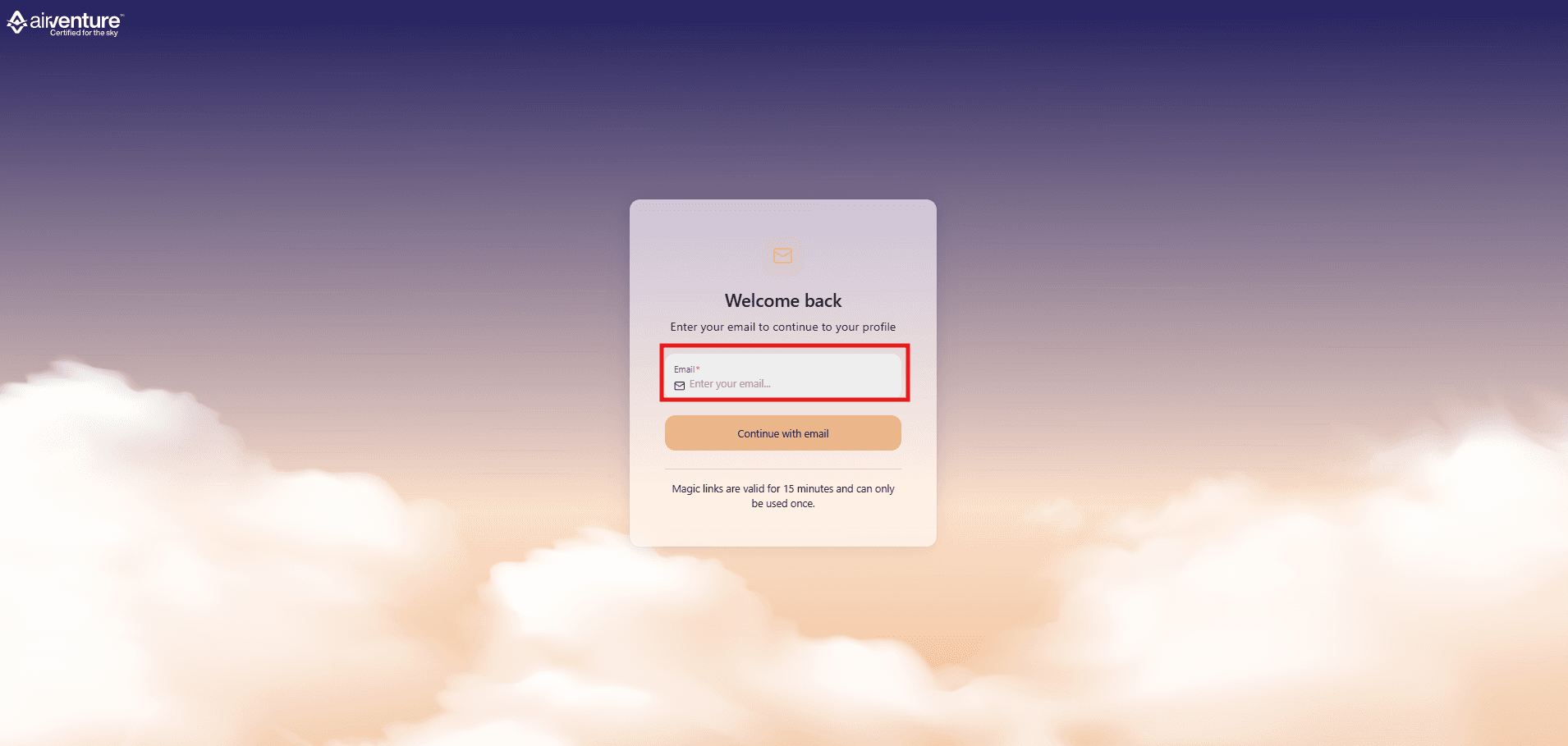
The sign-in link is valid for 15 minutes and can be used only once. If it expires, just repeat the steps to get a new one.